Choose an office footrest by measuring the gap it needs to fill at a correctly arranged desk, then checking whether its usable platform supports your feet without crowding your knees. A footrest is most useful when your chair must sit higher for your keyboard than your legs would choose on their own. It is less useful when it simply adds another object beneath a desk that already fits.
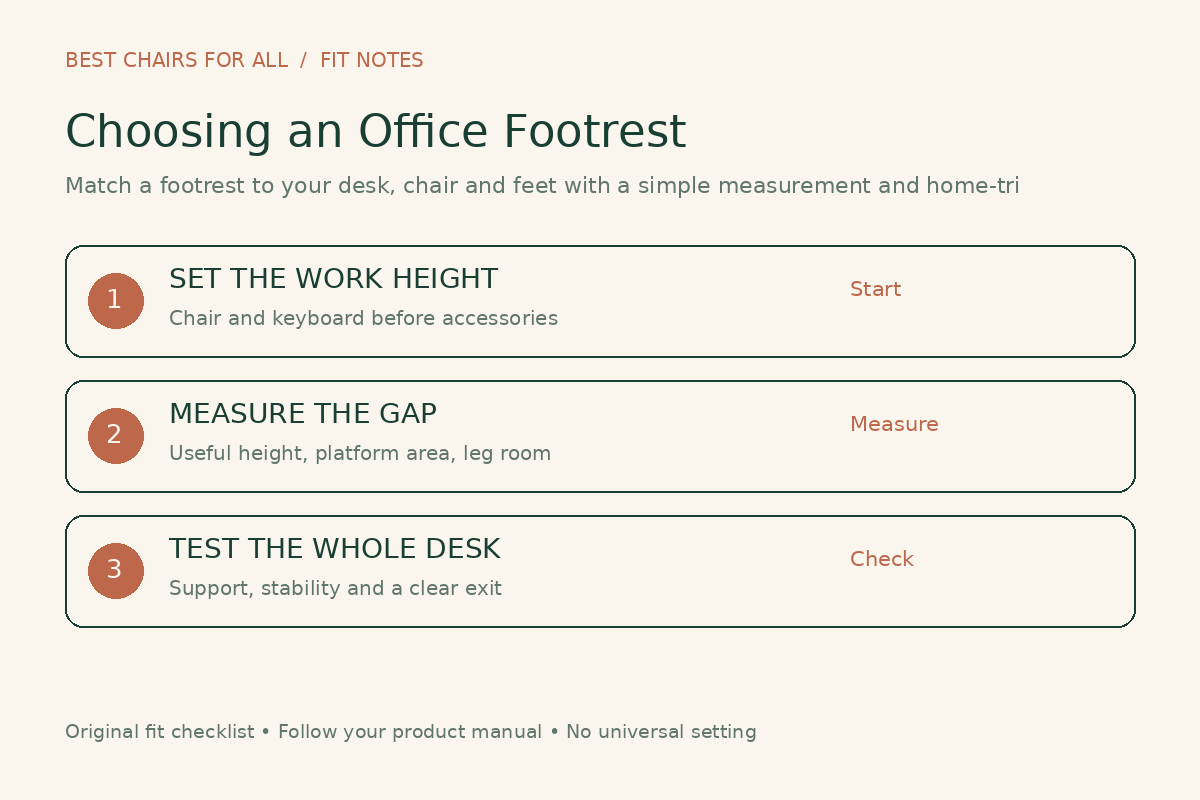
The right purchase might be an adjustable platform, a firm low support, or no footrest after you change the desk setup. This guide helps you identify that choice without relying on height charts, massaging bumps, or claims that one accessory will fix every sitting problem. It includes a measurement worksheet and a practical home-trial sequence.
First establish why your feet need support
Sit at your normal working surface with your keyboard and mouse in their usual positions. Arrange the chair for a workable upper-body relationship to those controls, then look at your feet. Can you rest them comfortably without sliding toward the front edge of the seat? If not, note whether the desk is forcing you higher or the chair cannot lower enough.
OSHA identifies full foot support as part of a neutral workstation arrangement, and notes that a footrest may be used when desk height cannot be adjusted. That is the important relationship: chair, work surface, and feet belong to one setup. Buying a footrest without checking the work surface can preserve an avoidable mismatch.
Do not lower the chair just to touch the floor if doing so makes you shrug to reach your keyboard. Equally, do not keep a high chair setting simply because an armrest aligns with the desk. The useful reference is how you work, not whether two pieces of furniture make a continuous horizontal line.
When a footrest is not the first correction
A seat that extends too far toward the knees may keep you from using the backrest even when your feet have support. A deep desktop may put the keyboard out of comfortable reach. Storage boxes may block the space where your legs want to move. Address these questions before deciding the missing item is a raised platform.
CCOHS describes chair fit in terms of body dimensions, workstation, and task, and includes both seat-depth fit and supported feet in its selection guidance. For your purchase decision, this means a footrest should solve the remaining support gap after basic chair fit, not compensate for every chair dimension at once.
If you already have an adjustable desk, check its actual minimum working height with your keyboard on it. The advertised range may refer to the frame rather than the top of your keys. A modest change to the usable work height can alter whether a footrest is needed at all.
A five-part measurement worksheet
| Record | How to check it | Why it matters |
|---|---|---|
| Working chair setting | Set the chair for your real keyboard and mouse task. | Prevents choosing a platform for a chair height you will not use. |
| Support gap | Estimate the height needed beneath relaxed feet without lifting the knees excessively. | Defines the height range to investigate. |
| Usable foot area | Place both feet as you naturally rest them and note their outline. | Separates platform dimensions from usable support. |
| Leg clearance | Check above the thighs and ahead of the knees. | Raising the feet can change the available space. |
| Floor and base space | Map chair legs, casters, cables, desk feet, and the exit path. | Prevents collisions and awkward access. |
Use normal working footwear. If you often alternate shoes, measure for both rather than assuming that the same setting will be equally useful. You do not need a precision ergonomic instrument; the goal is to reject platforms that are clearly too high, narrow, or bulky before a home trial.
For a rough planning check, a stable household object of appropriate height can help you estimate the support gap while seated. Keep this temporary, supervised, and stationary; do not build a loose stack, use a rolling object, or treat a makeshift support as a tested product. Record the useful height so you can compare it with the footrest’s actual loaded platform height.
Compare the usable surface, not just overall dimensions
A listing may include the frame, side pivots, and handles in its overall width. Your shoes rest on the platform inside those boundaries. Ask for the usable width and depth when the difference is unclear. A deeply curved surface can also make its nominal depth less informative than a picture suggests.
Lay out a paper rectangle matching the stated usable surface on the floor. Place your feet on it with the chair in working position. Notice whether you must draw them unusually close together or keep your heels on an edge. This does not reproduce the height or tilt, but it is a simple way to eliminate a platform that is too small.
Leave room for changing foot position. A footrest that fits one carefully posed arrangement may be irritating when you shift, swivel, or reach for something nearby. Check your ordinary movement rather than using the product photograph as the target stance.
Fixed, adjustable, rocking, or soft?
A fixed firm platform is straightforward when its height and angle already suit the setup. Inspect the underside, surface grip, and edges. Limited adjustment is not automatically a flaw, but it leaves less room to accommodate different footwear or a second user.
An adjustable platform lets you change height, tilt, or both. Find out which adjustment changes the entire platform and which only rotates it around a pivot. A front-edge height listed at one angle may not tell you where your heels will sit at another.
A rocking platform permits movement rather than holding a single angle. Check whether it also has a stable setting, whether the movement feels controlled, and whether the rear edge can strike chair hardware. Do not interpret movement as proof of a circulation benefit or calorie effect; those claims need evidence specific to the claim.
A soft support may suit someone who prefers a cushioned surface, but its height changes under load. Measure that loaded height where possible. A very soft mound that compresses away from the intended support gap can feel pleasant while failing the fit requirement that prompted the purchase.
Choose height first, then refine the angle
Begin with the lowest setting that appears useful and add height only as the fit requires. Recheck your relationship to the seat and backrest each time. If the knees rise enough to crowd the desk underside or you feel pushed away from the backrest, revisit the setting instead of assuming higher support is better.
HSE’s workstation checklist asks whether feet are flat and whether the seat creates excessive pressure behind the legs, identifying a footrest as a possible response. That is a more useful check than aiming for an exact universal platform angle.
Adjustable tilt can help the platform meet your preferred foot position, but the angle should work with your legs and chair. Do not use a steep platform to force your ankles into a position that feels strained. After changing angle, recheck height at the actual contact area; the two settings interact.
Make sure it stays where you put it
Compare the underside with your floor surface. Smooth hard floors, thick carpet, and a chair mat present different contact conditions. A non-slip label does not tell you how a particular footrest will behave in your room, so include movement in the return-period test.
While seated normally, place your feet on the support and make small natural position changes. If it slides, rotates, or tips, stop and reassess the surface and setup. Do not rely on bracing it against power cables, a heater, or the chair’s gas cylinder to hold it in place.
Also test getting in and out of the desk. A wide support may fit your feet but block the position where the chair’s base needs to roll. Keep the footrest within a usable area that does not require stepping over it every time you stand. Never stand on an ordinary seated footrest unless the manufacturer explicitly rates it for that purpose.
Footrest, foot ring, and pullout leg support are different tools
A drafting chair’s circular foot ring offers a place to put the feet at an elevated seat. A platform under a desk offers a broader surface that can be positioned independently. A pullout leg support attached to a reclining chair may support part of the lower legs rather than create a normal typing setup. Compare intended use, not just the shared word “footrest.”
For a chair with an integrated attachment, read its loading and operating instructions before leaning on it or using it to help you rise. Check whether it can remain extended during your normal desk task without hitting the desk or changing your access to controls. Extra features are worthwhile only when you can use them safely in the available space.
A home trial that produces a clear decision
Keep a short record rather than repeatedly changing everything at once. On the first session, write down the chair setting, footrest height, tilt, footwear, and main task. Check foot support, thigh contact, leg clearance, and whether the platform moves. On the next session, change one setting if something failed.
Repeat during a second task, such as reading documents or a video meeting. Ask whether you can shift position without losing useful support. Stand up and move between sessions as you normally would. The trial is a comparison of fit, not an endurance test or a reason to stay seated longer.
A pass means the support gap is filled, the setup still works above the desk, your legs have room, and the product remains stable during ordinary use. A fail means you can identify a specific problem: too tall at minimum, insufficient platform depth, uncontrolled rocking, or interference with the chair base. Those notes help you choose a different design without starting from scratch.
What to pay for and what to skip
Spend first on the usable height range, platform area, stability, adjustment method, and a return process you can actually use. Treat washable covers, surface texture, carry handles, and storage convenience as secondary decisions after fit. Check whether a cover is removable and whether replacement parts are offered if those features matter to you.
You may not need a footrest if the desk and chair can already support a workable position with your feet on the floor. If persistent discomfort remains after ordinary adjustments, ask a qualified workstation assessor or healthcare professional for help rather than buying a sequence of accessories based on symptom promises. Continue with our office chair fit and setup guides to check the surrounding furniture before the next purchase.
Something unclear or out of date? Send a correction with this article’s title and the detail to check.
Sources, research & corrections policy ↗