High-back and mid-back office chair labels describe a general shape, not a guaranteed level of comfort or support. The useful difference is where the upper edge and contours meet your body during your tasks. A taller back may add contact when reclining, while a lower back may leave more room for shoulder movement. Neither label tells you whether the lumbar support, seat dimensions, or arm adjustments fit.
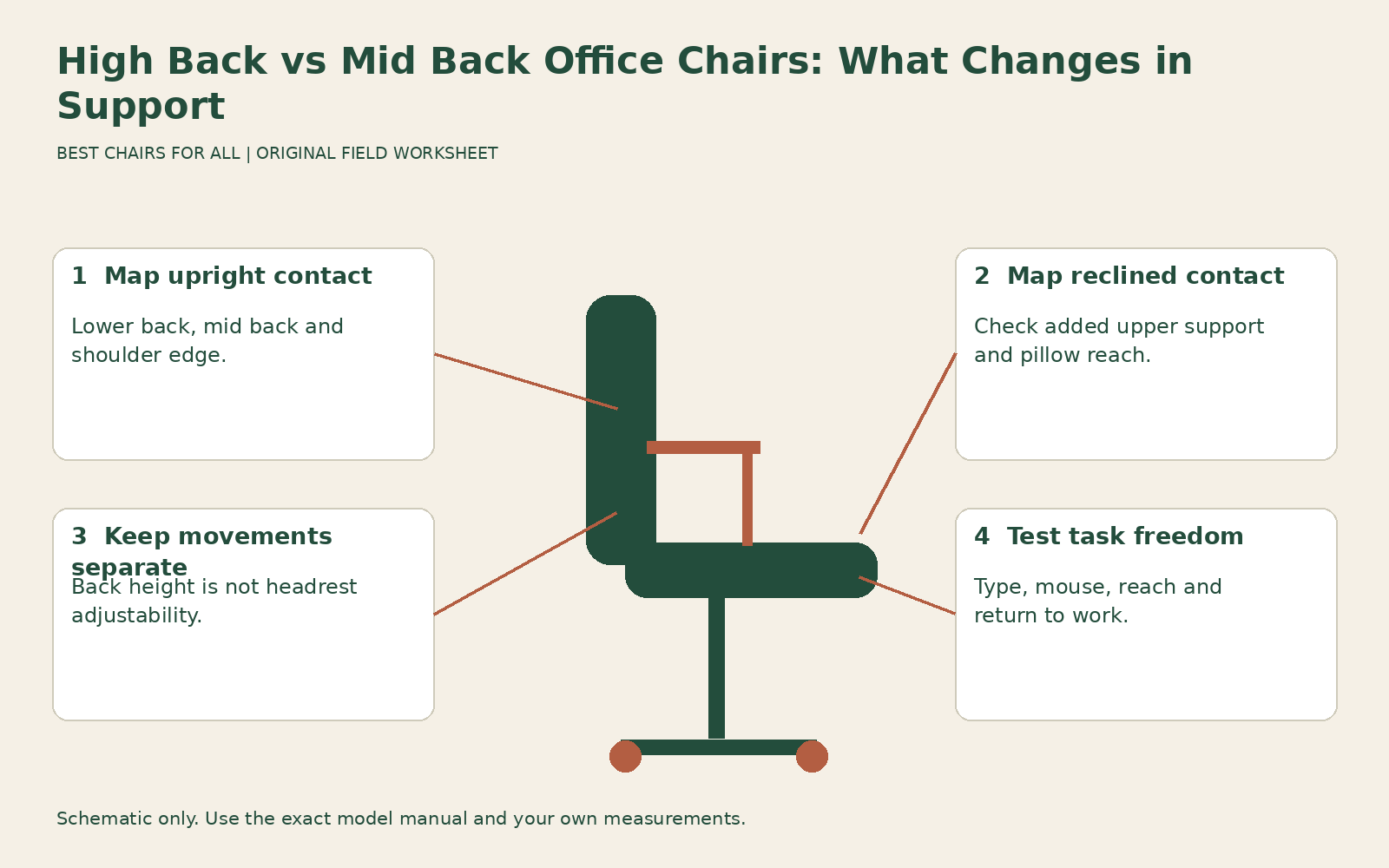
Compare the actual contact zones rather than buying by overall chair height. This guide uses an upright-and-reclined contact map, which is especially useful when two versions of one chair family look nearly identical. It also helps distinguish a longer backrest from an independently adjustable headrest. If you specifically need head support, use our headrest fitting guide for that separate adjustment question.
Check what the seller means by high back
There is no useful universal cutoff in a retailer category that establishes how a chair will fit your torso. One manufacturer may call a design high back because it extends above the shoulders; another may use the term for a generously padded executive silhouette. Read the dimensions and product drawings, and ask whether the quoted height is from the floor, from the seat, or from another reference point.
Overall chair height can be particularly misleading. A tall cylinder increases the floor-to-top measurement without necessarily increasing the backrest above the seat. A high seat setting also changes that overall measurement on the same chair. For body contact, the relevant information is the back’s position relative to the occupied seat, including any adjustment travel and the location of prominent contours.
A documented example is Steelcase Karman with High Back manufacturer description, which describes the high-back version as adding a sculpted back and neck pillow for upper-body support. That tells you what the manufacturer intends to add; it does not establish whether the pillow reaches your neck comfortably. Treat the feature as a specific contact area to test, rather than interpreting high back as an automatic fit guarantee.
Separate four support zones
Draw a simple backrest outline and label the lower back, middle back, shoulder area, and head or neck contact. Sit in the chair with height and depth resolved, then mark where it touches in an ordinary upright working position. A chair does not have to press continuously at every zone. Your goal is to understand what it supports and whether any contour interferes with normal work.
Repeat the map in a controlled recline. A taller upper section may become useful only after you lean back, while the lumbar region remains the decisive contact area during typing. A mid-back chair may provide adequate support for your work if you do not need head contact. Do not assume that an empty space behind the upper shoulders is inherently a failure or that more contact is always better.
CCOHS ergonomic chair selection emphasizes that an ergonomic chair must suit the person, workstation, and task, with a backrest that supports without restricting movement. Apply that principle to each zone separately. A high back that provides pleasant reclining support but blocks your drawing arm presents a tradeoff; a shorter back that leaves you unsupported during your main reading task presents a different one.
Compare upright tasks before reclining comfort
Set up a keyboard and pointing device at a useful working height. Type, use the mouse, and reach for a nearby paper in your usual way. Notice whether the upper back forces your shoulders forward, catches the backs of your arms, or encourages you to leave the lower support. These are practical geometry observations, not a diagnosis of posture quality from a photograph.
A broad padded upper back may feel welcoming with hands in your lap but crowded when you move an arm backward. A narrow flexible upper section may allow more movement, even if the chair is technically taller. Back height and back width need separate evaluation. Do not infer freedom of movement from a slim side-profile photograph; test the chair with the tasks that matter.
If the backrest height adjusts, explore its useful range while preserving lower-back contact. Moving the whole back upward may solve shoulder contact but lift the lumbar contour too high. Record whether a change improves one zone while worsening another. A separate lumbar height control can help, but only if its available range suits your body and the exact configuration includes it.
Test the reclined contact deliberately
Lean back within the normal range and observe what changes. Does the upper back support you broadly? Does a pillow meet the neck, the back of the head, or the shoulder blades? Can you look toward the screen without the upper section pushing you forward? Take a normal reading position rather than arching your neck to meet a contour that is too high.
Then return to keyboard work. An upper support that feels good only when you deliberately move far away from your normal position may not be useful for your task mix. Conversely, if you frequently review documents in a supported recline, that contact can have real practical value. Write down when it helps rather than calling the chair universally more supportive.
Check whether head or neck contact is adjustable independently. A molded extension or fixed pillow offers a different range of adaptation from a headrest that changes height, angle, or reach. Do not assume you can add an aftermarket headrest to a mid-back chair later. Compatibility, attachment, warranty implications, and actual contact all need verification for the specific chair and accessory.
Use this comparison table as a test plan
| Question | High-back candidate | Mid-back candidate |
|---|---|---|
| Where is the upper edge in upright work? | Check shoulders, arms and any fixed pillow. | Check edge contact and freedom of shoulder movement. |
| What changes in recline? | Verify useful upper support and head position. | Decide whether the available support meets the reading task. |
| Does lumbar fit remain useful? | Test independently of upper padding. | Test independently of the lower silhouette. |
| What adjustment is included? | Confirm back, pillow and headrest movements separately. | Confirm back height, lumbar travel and accessory compatibility. |
The table does not predict a winner. Fill it with observations from the actual versions you can buy, keeping seat height, depth, work surface, and footwear comparable. “Upper edge touches below shoulders without restricting reach” is useful evidence. “Looks professional” belongs in a separate appearance preference field and cannot establish support.
Consider body proportions and shared use
A taller person does not automatically need the highest back, and a shorter person does not automatically need a mid-back design. Torso length, seated shoulder position, and preferred working angle influence the contact map. Someone with long legs and an ordinary torso may need a higher seat without a longer backrest. A fixed neck contour is particularly dependent on where it meets the individual.
For shared seating, ask each intended user to complete the contact map. A high-back chair that matches one person’s recline may press at another’s shoulders. If the chair has a fixed upper section, ordinary seat-height adjustment does not move the person’s torso relative to it. You may need a different back geometry or an independently adjustable support rather than a wider height range below the seat.
Also check entry, exit, and any access needs in the actual layout. A tall back can occupy more visual space and require different clearance when the chair turns near shelves or partition furniture. These are practical room-fit questions. Do not reject a back solely because it looks large, but do not assume its footprint ends at the caster base either.
Keep materials and mechanisms out of the height shortcut
High backs can use mesh, fabric, leather, or coated textiles; mid backs can use the same categories. Padding thickness and surface temperature are not determined by back height. If two candidates differ in upholstery and mechanism as well as height, you are comparing complete chairs. Record those differences instead of attributing every preference to the upper edge.
OSHA computer workstation chairs treats backrest, seat, arms, and base as separate chair elements. That structure is useful here because a good upper-back impression can distract from a too-deep seat or unsuitable arm spacing. Eliminate fundamental fit failures before giving credit for additional contact. A high back cannot compensate for having to sit forward to clear the knees.
Recline behavior also affects your experience of support. A freely moving back, a tension-adjusted mechanism, and a locked position can feel different even when the backrests are similar heights. Have the adviser explain the controls and compare the same intended working positions. Otherwise you may prefer a movement setting while believing you have discovered a height preference.
Check the visual and acoustic setting
A higher back can change sightlines across a shared desk or small room. Check whether it blocks a regularly used screen, catches a shelf while swiveling, or occupies space needed behind the workstation. These observations are separate from body support. A visual preference is a legitimate consideration once the contact map passes, but it should be recorded explicitly so it does not masquerade as a claim about ergonomic quality.
Make the final choice task-specific
Finish the worksheet with three sentences: where the chair supports you upright, where it supports you reclined, and which movement or contact remains unresolved. For example, “Lower support useful while typing; added upper contact comfortable when reading; fixed pillow needs a longer home trial.” Another reasonable result is “Mid-back supports ordinary work and leaves shoulders free; no need for head contact during my tasks.”
Verify that the ordered version matches the tested back, support options, upholstery, and mechanism. If a home trial is available, repeat the contact map with your own screen and task mix before the return deadline. Choose the version whose actual support you can use comfortably, with acceptable freedom of movement. The label should help locate candidates; the contact map should make the decision.
Something unclear or out of date? Send a correction with this article’s title and the detail to check.
Sources, research & corrections policy ↗