A gaming chair and an office chair can both work at a computer desk. The useful distinction is how the particular chair supports your body while you use your actual equipment. A racing silhouette, a mesh back, and the word “ergonomic” tell you much less than usable seat dimensions, armrest reach, and the way the chair moves.
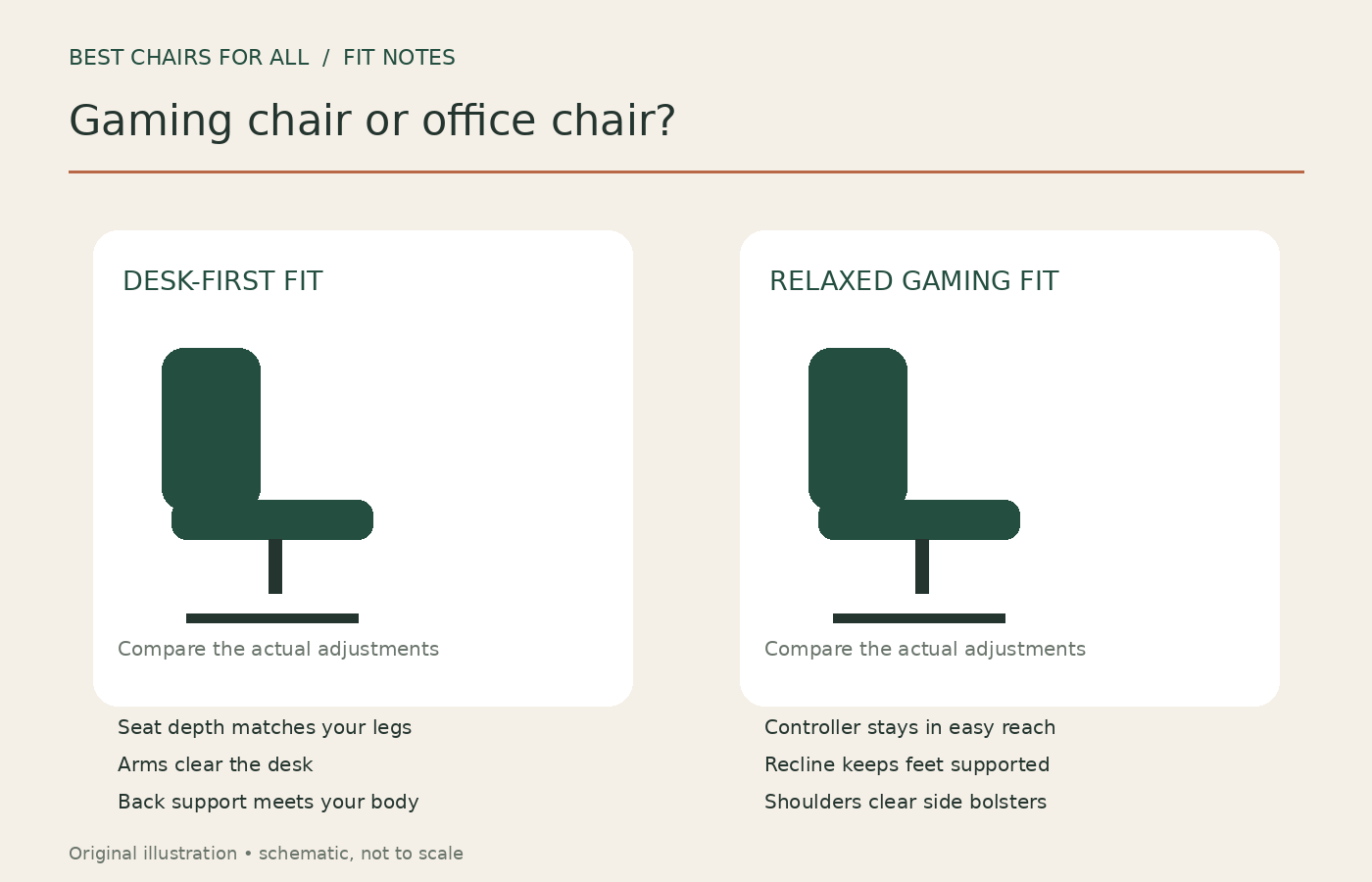
For keyboard and mouse work, start with a chair that lets you sit back with supported feet and relaxed shoulders while staying close to the desk. For controller gaming, check the same fit, then assess the reclined position you really use. This guide compares the designs and offers a practical showroom or return-window test. It is based on published ergonomic guidance and manufacturer documentation, rather than hands-on testing of individual chairs.
Compare the actual designs, not the marketing categories
“Gaming” includes low floor rockers, padded racing-style seats, and sophisticated adjustable desk chairs. “Office” includes basic conference seats as well as task chairs with many adjustments. This comparison concerns rolling desk chairs. A floor rocker has a different relationship with a television and does not become a computer work chair just because it has a backrest.
Racing-style chairs commonly have a tall back, defined side wings, upholstered foam, and an independently reclining backrest. Many task chairs have a more open seat and a backrest that moves with the seat. These are tendencies to check, not rules. Some gaming chairs omit restrictive bolsters; some executive office chairs have deep fixed seats and little useful adjustment.
| Feature to inspect | Why it matters at a desk | What to verify |
|---|---|---|
| Usable seat width | Side wings can reduce the flat sitting area | Width between raised edges, not the outside dimension |
| Seat depth | A long seat can stop you reaching the backrest | Depth with lumbar support in your working position |
| Armrest range | Your keyboard position determines forearm placement | Width, height and forward travel at your desk |
| Movement | Different mechanisms move the seat and back differently | Feet, hands and screen relationship during recline |
Seat fit usually decides more than the label
Imagine two people of the same height. One has relatively long thighs; the other has a longer torso. A fixed-depth chair may fit one and leave the other perched forward. Height-and-weight sizing tools are helpful starting filters, but a chair still has to fit the sitter’s proportions.
Measure a current seat that works reasonably well. Record its compressed height and the distance from the back support to its front edge. Then sit in the candidate with your pelvis back. You should not need to choose between reaching the backrest and leaving comfortable space behind your knees. Adjust a seat slider if available, and repeat with any lumbar cushion installed.
Seat wings deserve a separate check. The advertised width can include sloping sides that are awkward to sit on. If you sometimes sit with your knees apart or shift sideways, try those positions without forcing yourself against a firm edge. A larger size might improve width while making seat depth worse. Solve both dimensions rather than automatically moving up a size.
Armrests should follow the task
At a keyboard, armrests can help only when they meet your arms without lifting your shoulders or preventing you from approaching the desk. Wide pads look substantial but may sit too far out for your elbows. An armrest that moves in several directions can still lack the particular inward adjustment you need.
OSHA’s desk guidance discusses contact stress from work surfaces and the need to arrange equipment within comfortable reach. Apply that to the chair: if the arms hit the desk edge before you can reach the keyboard, evaluate the combined setup. Lowering removable or adjustable arms may help; buying a taller chair can create a new foot-support problem.
For controller gaming, put an actual controller in your hands. Can your forearms rest naturally with your elbows near you? Does a reclined position push your elbows off the pads? Work and gaming may call for different arm settings, so useful controls should be easy enough to change between sessions.
Recline and rocking are different features
An independent backrest recline changes the angle between the seat and back. A rocking mechanism may move much of the upper chair together. A synchronized mechanism coordinates seat and back movement. None of those descriptions tells you the entire experience: tension, pivot position, adjustment range, and the starting seat angle all matter.
Steelcase’s Gesture documentation, for example, describes coordinated movement of the seat and back. That is a product-specific design, not a feature shared by every office chair. Ask to see the mechanism operate rather than treating any mention of “tilt” as equivalent.
Deep recline can be useful for a brief change of activity, but the advertised maximum angle is a weak purchasing priority for desk use. Test the modest recline in which you can still see the screen and reach your input devices. If your feet lift, hands pull away from the desk, or head tips forward to see, evaluate a different setting or chair.
Built-in lumbar support and cushions need the same fit test
A removable cushion can improve the shape of a flat backrest, or it can push a sitter too far forward. An adjustable built-in support can be convenient, but its adjustment range must meet the relevant area of your back. More pronounced support is not automatically better support.
Change one setting at a time. Begin with gentle contact, then test normal typing and a small recline. If increasing the support sends you sliding forward, revisit seat depth and back angle rather than adding another cushion. Consider how much usable depth the cushion removes, particularly if you already have limited space behind your knees.
Do the same for a head pillow. A tall backrest is not proof that its pillow lands in a useful place for you. Test it with your gaze toward the monitor. A pillow that pushes your head forward may be better removed if the manufacturer permits that use.
Choose upholstery for your room and maintenance habits
Mesh, fabric, and leatherette have different cleaning and tactile characteristics, but the material name is not a complete comfort specification. Foam firmness, seat shape, seams, clothing, room temperature, and your preference all contribute. Try the chair in ordinary clothing rather than judging only by pressing the cushion with a hand.
Leatherette generally offers a wipeable surface, while fabric can hold crumbs and need more careful spill treatment. Mesh can allow airflow but has its own frame edges and tension. Read the actual care instructions before buying. A replaceable seat cover, available armpads, or a spare cushion may matter more to long-term ownership than a decorative finish.
Keep a separate maintenance column in your comparison. Note whether upholstery parts are replaceable, which cleaners are approved, and whether the warranty treats surface wear differently from structural components. A long headline warranty does not necessarily cover every visible surface for that whole period.
A seven-part trial that exposes poor matches
- Set the chair for your body. Adjust height first, then seat depth, back support and arms. Photograph the final setup so you can reproduce it.
- Type a real paragraph. Use the keyboard and mouse you own, at the desk height you will use. Notice reaching, raised shoulders or contact with the desk edge.
- Play with your normal input. Compare mouse movement with a controller held in your usual position.
- Change position. Try a small recline and return upright. Check whether you have to pull yourself forward each time.
- Check the floor. Roll a short distance and get in and out carefully. Confirm the casters are specified for that floor surface.
- Test controls. Make sure you can find, reach and understand the adjustments while seated, following the manual.
- Record limitations. Write down which body position or task the chair cannot accommodate. Do not assume discomfort will disappear after a fixed “break-in” period.
This is an editorial comparison procedure, not a clinical assessment. If sitting is painful or symptoms persist, professional advice is more useful than shopping for a category label promising a cure.
Three common buying situations
You work all day and game at the same desk. Give priority to task fit, adjustment ease, and the chair’s relationship with the keyboard. A gaming chair can qualify; it should pass the same tests as an office task chair. Styling becomes a sensible tie-breaker after fit.
You play mostly on a television with a controller. Measure where your hands, feet and head sit in the intended position. The chair may be away from a desk, making forearm support and the screen’s viewing height more relevant than under-desk clearance. Confirm that any footrest is designed to support the intended use.
You share the chair. Check each person separately, especially the minimum seat height and usable depth. A chair with quick, clear adjustments is more likely to be reset between users. If the fit ranges do not overlap, two simpler well-fitting chairs may be more practical than one elaborate compromise.
What to put on the final shortlist
Keep only candidates that meet your body dimensions, fit under or around your desk, and have an acceptable return route. Compare return shipping, original packaging requirements, replacement parts, and the warranty for your region. These practical details become important when a heavy assembled chair does not suit you.
Then choose between the remaining models using finish, preferred feel, price and design. A useful chair earns its place through the positions it supports and the adjustments you will actually use. Neither a racing shell nor an office showroom badge can make that decision for you.
Compare ownership costs using the same time frame
Put the delivered price beside the cost of the configuration you actually need. One chair may include adjustable arms and floor-appropriate casters; another may require paid upgrades. Add a footrest only if your setup needs one, rather than assuming every accessory improves every workstation.
Next, check which parts can be ordered independently. A replaceable arm pad or seat cushion gives you an option if that component wears while the frame remains serviceable. Availability can differ by country and generation, so ask about the exact model rather than extrapolating from an older chair with the same family name.
For a simple comparison, create three columns: initial cost, required extras, and return exposure. Return exposure is the amount you would pay if fit fails, including shipping or collection charges stated by the seller. That third column can change the practical value of an apparently cheaper online chair. Use actual quoted charges, not a guessed resale value.
Avoid calculating a precise annual cost from an assumed ten-year lifespan. Upholstery, mechanisms, usage and support availability differ. Comparing documented purchase and return conditions provides firmer information than predicting how long an untested chair will last in your home.
Something unclear or out of date? Send a correction with this article’s title and the detail to check.
Sources, research & corrections policy ↗