An armless office chair gives the arms more clearance and can simplify approach to some desks. A chair with well-positioned armrests can support the forearms during suitable tasks and provide a comfortable place to rest between them. Choose by testing support and access together: fixed arms that block the desk can be a worse match than no arms, while an armless chair may leave you working without useful support.
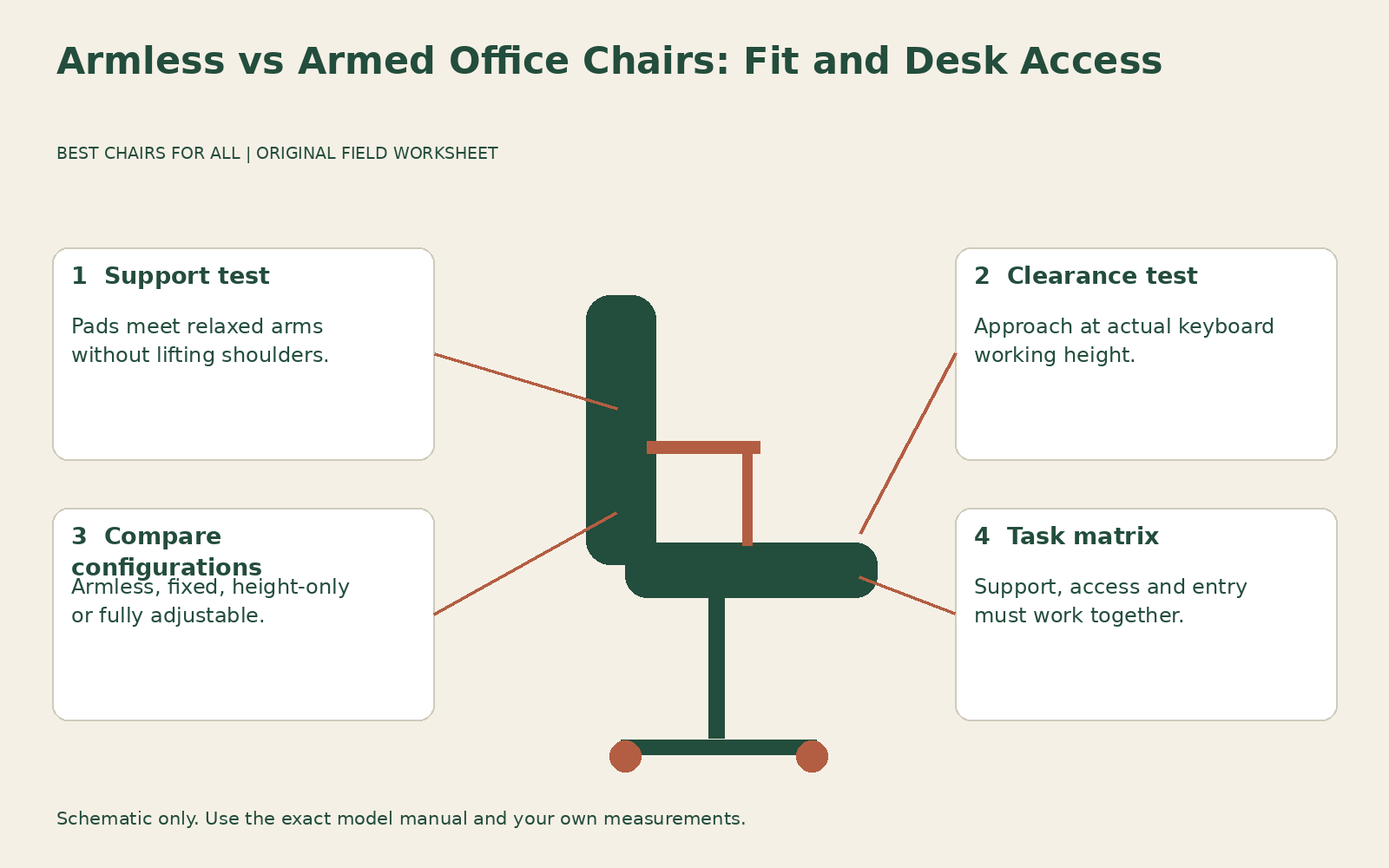
The decision is not a universal rule about posture or a contest over how many adjustments a chair has. This guide uses a support-versus-clearance matrix to compare armless, fixed-arm, and adjustable-arm configurations. For detailed fitting once you have chosen adjustable arms, see our armrest adjustment guide. Here the question is which configuration belongs on your order in the first place.
Identify the work that needs support
List the activities you actually perform: centered keyboard work, wide mouse movements, writing on paper, handling objects, reading, calls, or frequent entry and exit. Beside each, note where your forearms rest now. You might use chair pads, a suitable work surface, neither, or a combination. Do not assume the absence of chair arms necessarily means the arms have no support anywhere.
Also describe what causes difficulty. “Arm pad strikes drawer before keyboard is reachable” is an access problem. “Forearm has nowhere comfortable to rest between short input tasks” is a support problem. “Pads too far apart to use” is a geometry problem. Keeping these observations separate prevents you solving one by buying a configuration that creates another.
OSHA computer workstation chairs treats armrest choice as dependent on the user, task, and work arrangement. Its discussion includes relaxed shoulders, arms close to the body, and avoiding interference with desk access. That is a more useful starting point than a blanket rule that all office chairs should have arms or that armrests should always be removed.
Compare three configurations instead of two
Armless chairs remove the pad and arm structure entirely when designed that way. Fixed-arm chairs provide one geometry. Adjustable-arm chairs may move in height, width, depth, or rotation, but the actual available movements vary. Folding arms are another specific feature, not proof that a chair offers suitable support while the arms are down. Read the exact configuration rather than counting a marketing dimension label.
The Herman Miller Lino chair options and specifications lists no-arm, fixed-arm, height-adjustable, and fully adjustable options within one chair family. This illustrates why a review of the model name may not describe the version you are buying. A showroom example with fully adjustable pads does not establish the desk clearance or arm reach of the fixed-arm order, even when the seat and back look the same.
A meaningful comparison therefore starts with your preferred seat and back configuration, then examines its arm options. If you compare an armless compact chair with a much larger executive chair, width, depth, padding, and recline can all influence the result. You can still choose between them, but describe it as a whole-chair decision rather than attributing every difference to the arms.
Test relaxed support away from the desk
Sit at a useful height with feet supported. Let your upper arms hang comfortably, then bend your elbows for the task. Bring the pads beneath that position if they move. Notice whether contact lifts your shoulders, pushes the elbows outward, or requires you to lean sideways. Support that you can reach only by changing your natural working position may offer little practical value.
Check pad shape and edge contact. A broad pad can be comfortable for rest but obstruct a specific hand movement; a short pad may improve desk access but support less of the forearm during another task. Surface feel also matters. Do not equate a soft pad with correct geometry or assume an adjustable pad has enough travel for your shoulders and torso.
Now try the same task without using the pads, keeping your chair otherwise unchanged. This does not require removing hardware; simply avoid resting on it if you can do so normally. Record whether another surface provides comfortable support and whether the arms remain relaxed. If you must hold an awkward pose to avoid the pads, a genuinely armless configuration may need a separate trial.
Test approach to the actual desk
Measure the lowest underside obstruction at the working position, not just the top surface height. Bring the chair forward slowly while occupied and note the first collision. Pad height, pad length, arm-post position, base geometry, and desk supports can all matter. A chair may tuck away neatly when lowered but fail to approach at the height you need for keyboard work.
CCOHS office chair adjustment discusses how armrests can interfere with close access and how shorter supports may help in suitable configurations. Apply that as a practical test rather than a universal length prescription. Ask whether pads can slide backward or lower independently while the seat remains at the useful height. If fixed posts are the obstruction, pad movement alone may not solve it.
For an armless candidate, repeat the approach rather than assuming it passes automatically. A broad seat, large base, or high underside support can still prevent useful access. Also test the keyboard and mouse positions after approaching. Removing arms does not solve a keyboard placed unnecessarily far back, and reaching across a crowded desk remains a separate layout problem.
Use the support-versus-clearance matrix
| Observed result | Useful next step |
|---|---|
| Arm support works and desk access works. | Keep the configuration on the shortlist and test all tasks. |
| Arm support works but desk access fails. | Compare shorter or retracting pads, another arm option, or an armless version. |
| Desk access works but arm support fails. | Check pad reach and height, then compare a different support arrangement. |
| Neither support nor access works. | Reject the configuration rather than maximizing unrelated adjustments. |
Add a third note for entry and exit. A configuration can support typing while making frequent movement inconvenient. Record the exact obstruction and whether an ordinary adjustment resolves it. This is especially useful for someone who repeatedly turns toward a side work surface, handles equipment near the chair, or has a specific access requirement that the showroom must accommodate.
Consider task changes through the day
During reading or a call, chair arms may provide a useful resting location even if you do not use them while typing. During drawing or handling a larger object, they may restrict movement. You do not need one identical arm position for every activity if the chair lets you change it easily. Test how readily you can reposition pads without disrupting the rest of the setup.
An armless configuration can suit a workstation where an appropriately arranged surface supplies the desired arm support and clear side access is valuable. It can be less suitable when the surface is too distant, too high, or has an uncomfortable edge. That conclusion should come from the complete arrangement, not a claim that armless seating itself causes or prevents a medical condition.
For shared use, different people may need different pad spacing and heights. A fixed-arm configuration that matches one user may not match another. Adjustable arms can help only within their actual range and with controls users can operate. Ask intended users to fill in the matrix separately, then consider whether the same chair can meet their support and access requirements.
Treat standing and transfers as a separate requirement
Some people use chair arms during standing or a transfer. Do not infer suitability for that purpose from ordinary forearm support or a photograph of a sturdy-looking pad. A caster chair can move, and a manufacturer’s arm specification may not authorize the loads or movements involved. Obtain appropriate product guidance and individual assessment when transfer support is a requirement.
Likewise, do not remove arms from a chair that depends on them structurally or has no manufacturer-approved armless arrangement. A version offered without arms is not proof that the hardware can be safely removed from every related model. Ask the manufacturer for the intended configuration and service instructions instead of experimenting with fasteners to see whether the chair stays together.
If the manufacturer permits user removal, preserve the specified fittings and instructions for reassembly. Record the resulting configuration and recheck fit. Do not describe a modified used chair as equivalent to the factory armless model without confirmation, particularly when discussing capacity, warranty, or replacement parts. Those are product-specific questions separate from the immediate clearance benefit.
Measure storage width independently
If room is limited, compare the maximum width across the base as well as the arms. An armless chair does not necessarily occupy less floor area when its caster base remains the widest component. Measure the path past the chair and the space required to pull it out while occupied. A model that stores beneath the desk may still block a narrow route during normal use. Record storage convenience separately from working clearance so a compact appearance does not conceal the space you actually need.
Order the configuration you actually verified
Record the model, arm option, useful movements, pad contact, and desk clearance on your comparison sheet. Save a photograph of the tested configuration where permitted and exclude people or confidential information. Ask the seller to state the same arm option on the order confirmation. Terms such as standard arms or ergonomic arms are too vague if several versions exist.
During a home trial, repeat your main and secondary tasks and check whether you consistently use the support you paid for. If you repeatedly avoid the pads, investigate whether their geometry is wrong or whether an armless arrangement better suits the work. If you miss a comfortable resting place, compare a suitable armed configuration rather than assuming all armrests will recreate the same obstruction. The matrix gives you a clear reason for either choice.
Something unclear or out of date? Send a correction with this article’s title and the detail to check.
Sources, research & corrections policy ↗