A shared office chair needs a repeatable setup routine that each person can perform without remembering the previous user’s settings. Start with the seat, then establish back support and movement, then fit the arms and work equipment. Keep a short personal setup record and a separate shared defect log. The goal is to restore a useful working arrangement quickly while recognizing when the chair cannot accommodate a particular person.
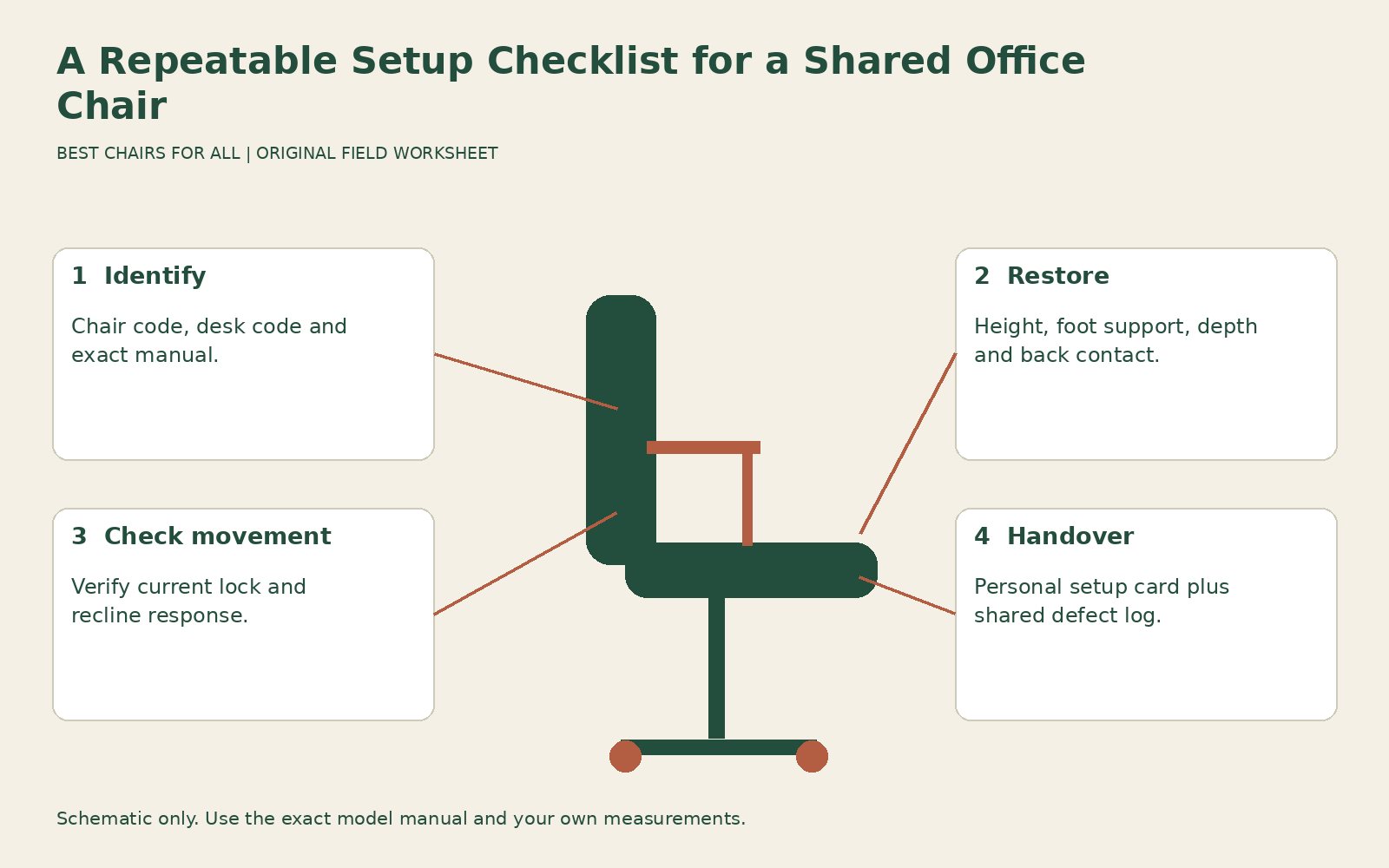
This is a handover system for hot desks, shared home offices, reception stations, and workstations used in shifts. It builds on our general adjustment sequence by adding identification, personal records, and fault reporting. It does not assume everyone should finish with identical settings or that an automatically adjusting mechanism removes the need to check fit.
Give the chair and workstation an identity
Label the chair with a simple asset code and record its model and manual location. Label the workstation separately. “Chair C4 at desk D2” is more useful than “the black chair,” especially when similar seats move between rooms. A setup note should specify both because a chair that fits at an adjustable desk may need different foot support at a fixed reception counter.
Save the appropriate manufacturer guide where all users can reach it. Herman Miller chair adjustment library is an example of a manufacturer library that organizes instructions by chair. Do not tape a universal clockwise or counterclockwise rule onto every knob. Controls and generations vary, and a useful label names the function and points to the correct instructions rather than guessing how the mechanism works.
Put a separate service contact on the shared record. Users should know where to report a sinking seat, cracked base, loose assembly, or failed lock. Someone encountering an unexpected change should not assume the previous person merely preferred an unusual position. Clear identification makes it possible to remove the right chair for service while keeping other workstations available.
Agree on a handover condition
At the end of a session, leave the chair unobstructed and ready for adjustment. Return personal cushions and footrests to their designated storage if those accessories are not shared. Remove bags or charging leads from the rolling area. You do not need to force every control back to an arbitrary midpoint, particularly when the manufacturer does not define a neutral reference position.
A predictable handover condition is different from a standard sitting posture. One user may need the lowest seat setting and another the highest. Returning everything to the middle creates extra work for both and can hide a range limitation. The next user should verify their own setup rather than assume that an apparently tidy chair is ready for them.
For shared cleaning, follow the chair’s actual upholstery and finish instructions. Do not treat a spray available at the desk as suitable for every fabric, mesh, coating, and arm pad. Allow required drying before use and report damaged surfaces. A shared routine should name the approved cleaning method and responsible team, without turning furniture maintenance into an improvised disinfection protocol.
Restore seat height and foot support first
Sit in your normal working shoes and set the chair relative to the work surface. If the desk height adjusts, establish a supported leg position and then fit the input surface. At a fixed high surface, you may need a higher seat and stable foot support. CCOHS office chair adjustment explains why the chair, floor support, and work surface need to be considered together.
Keep your personal record descriptive. “Both feet on the adjustable footrest, keyboard at relaxed elbow height” remains useful if a different chair replaces the original. A measured occupied height can supplement the description, but a mark on the cylinder may be hidden, moved, or inappropriate to apply. Do not scratch components or attach markers where they interfere with movement.
If the chair cannot reach your required height, record the limitation rather than borrowing the previous user’s position. The workstation may need another chair, a different footrest, or a desk change. Shared seating procurement should plan for users outside the adjustment range; the fact that most colleagues can use the chair does not prove it suits everyone.
Restore depth and back contact
Check whether you can sit against the backrest without the seat pressing behind your knees. Adjust the seat slide or backrest position according to the manual. If the control has numbered positions, record the useful setting. If it has no scale, record the observed result and a practical reference such as “second stop from shortest,” only when the mechanism actually has discrete stops.
Then locate the lumbar support and choose a comfortable pressure. A colleague’s strong support setting may feel intrusive to you, while their low setting may provide little contact. Do not assume that the maximum adjustment means maximum benefit. Keep depth and pressure distinct: changing the projection of a pad can change how much sitting room is left, while moving it vertically changes the contact location.
A personal cushion also changes the setup. Record whether your note applies with or without it, including any effect on seat height and depth. If you must bring an adaptation for a documented workplace requirement, coordinate storage and availability with the responsible person. The practical aim is a reliably accessible arrangement, not a contest over who can use the chair with fewer accessories.
Check movement before leaning back fully
Identify the current recline lock, limiter, or tension setting and make a controlled movement within the chair’s instructions. A user expecting a locked upright back can be surprised by a freely moving chair. Someone expecting an easy recline may find a high tension setting difficult to move. Start gently rather than relying on how the chair behaved yesterday.
Record a functional description such as “controlled recline without pushing hard through feet.” A count of turns can be useful only when there is a repeatable reference and the manufacturer permits it; do not wind a knob forcefully against its stops to create one. Weight-responsive chairs still require a movement check because fit, work task, and personal preference differ even when tension adjusts automatically.
If a control does not hold the advertised position, report it. Do not tighten another control to disguise the behavior, wedge the back, or alter internal components. A shared chair needs predictable operation for the next user as well as the current one. Label it unavailable according to workplace procedure when there is reason to suspect a structural or mechanism problem.
Fit arms and equipment after the seat
Bring arm pads to relaxed working arms if you use them, and check that they do not keep the chair away from the desk. Pad height, spacing, depth, and rotation can all change between users. A setup note that records only seat height leaves a major source of reach problems unresolved, particularly when colleagues have different shoulder widths or use different input devices.
Place the keyboard and mouse within useful reach, then adjust the screen for the chosen working position. Do not keep a monitor fixed solely because another user left it there. Likewise, a docking cable stretched tightly across the surface can prevent a reasonable keyboard location. The shared setup routine should include equipment movement, not end when the chair lever stops moving.
Use the OSHA workstation evaluation checklist as an independent review of the whole station. Its value here is as a reminder to check the work arrangement beyond the seat. Keep your daily card shorter than the full checklist so it remains usable; reserve a broader review for a new desk, a different chair, changed equipment, or a recurring unresolved problem.
Make a personal setup card
Use seven fields: chair and desk code; footwear or accessory assumptions; height and foot support; depth and back contact; lumbar location and pressure; movement setting; and arm and equipment arrangement. Add the date and a sentence describing the task. Store the card privately or with a workstation profile if you are comfortable sharing it. No body weight or medical history is needed on a public label.
An example reads: “C4/D2, everyday work shoes, footrest in front of center support, seat at comfortable keyboard height; depth two stops from shortest; lumbar at lower useful mark, light contact; limited recline for typing; arms low enough to clear desk, pads moved backward.” This is illustrative language, not a prescription for other users or proof that every mechanism uses those stops.
Photographs can help you remember a footrest or keyboard layout, but exclude confidential screens, people, and identifying documents. A picture of lever positions alone may be misleading if it does not show which model is involved. Pair it with a clear functional description and the correct manual so the note remains understandable after a chair is repaired or moved.
Separate personal preference from a service problem
Keep the shared defect log factual: date, asset code, symptom, affected function, and action taken. “Seat height dropped during ordinary use” is more actionable than “chair uncomfortable.” Include whether a problem occurs with multiple users when that information is available, but do not ask people to reproduce an unsafe event. A service report should not become a series of informal load tests.
Repeated difficulty with one setting may reveal a procurement issue rather than a broken part. If several shorter users cannot shorten the seat enough, an intact mechanism is not the solution. Add a differently sized chair or route users to a suitable station. If the same problem appears suddenly after normal successful use, maintenance investigation becomes more relevant.
Review setup cards after equipment changes and ask whether people can complete their routine without struggling to reach the controls. A shared chair works when users can restore fit, recognize its limits, and report faults clearly. A compact personal card plus a reliable shared service process makes that possible without expecting everyone to memorize the chair or inherit someone else’s working position.
Something unclear or out of date? Send a correction with this article’s title and the detail to check.
Sources, research & corrections policy ↗