Affiliate disclosure: As an Amazon Associate, Best Chairs for All earns from qualifying purchases. Read our disclosure. Amazon links below open matching US search listings; check the exact model, seller, configuration, availability, and checkout terms.
The best gaming chair should fit both your body and the way you play. A mouse-and-keyboard player needs to reach the desk; a controller player may want a supported recline; a streamer may switch between both. My research shortlist is Secretlab Titan Evo for deliberate size selection, Razer Iskur V2 NewGen for lumbar adjustment, and Corsair TC100 Relaxed for a simpler, broad-seat alternative.
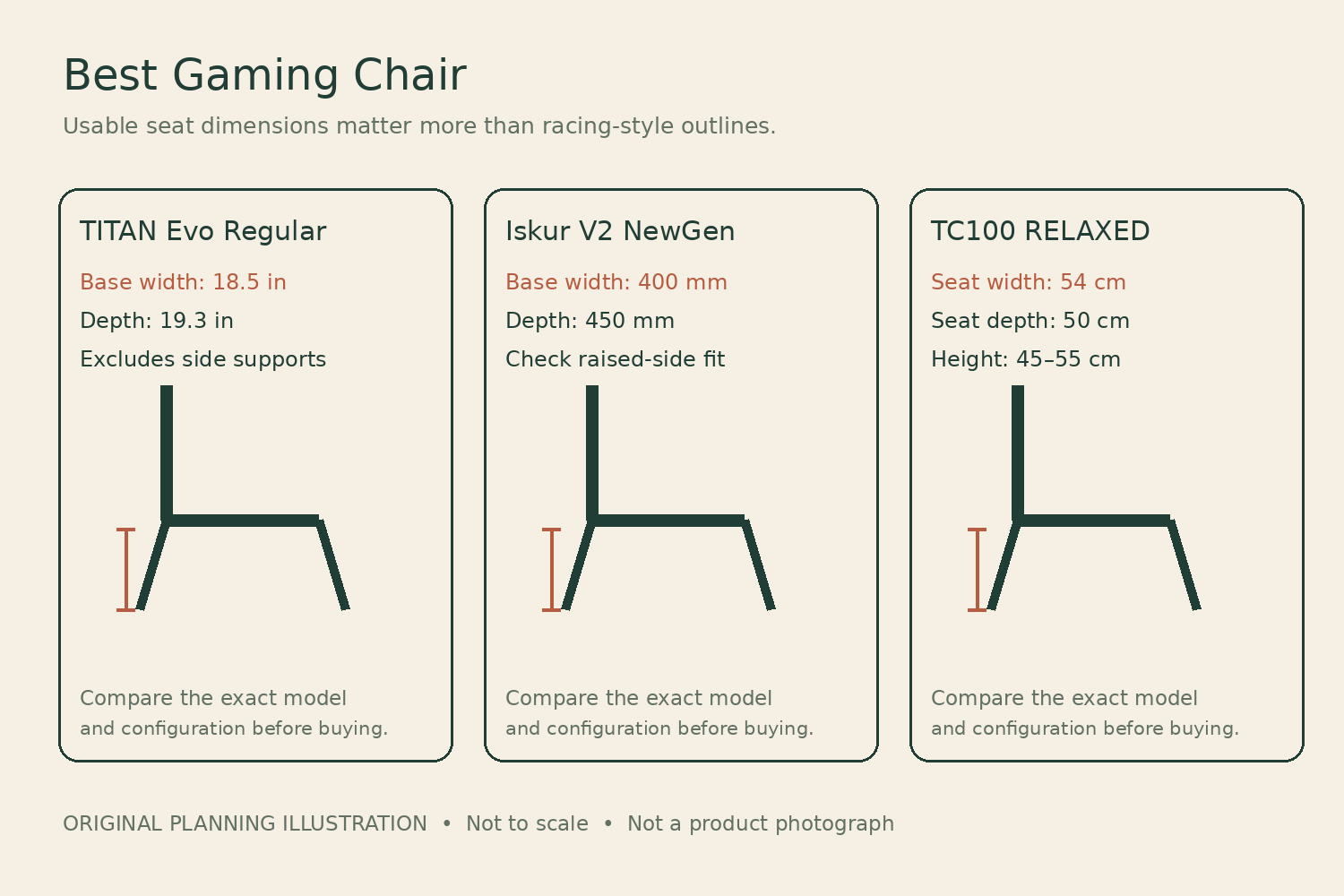
This is a specification-based buying guide, researched against manufacturer documents and US listings on November 6, 2026. We have not sat in or durability-tested these chairs. The recommendations describe fit and feature tradeoffs, with no invented play-session results, review scores, or promises of better health or gaming performance. Several direct listings involved waiting, so availability deserves as much attention as the feature list.
Choose your playing position before your chair style
Place your hands where they spend the most time. If that is a keyboard and mouse, your chair needs to bring you close enough that your elbows are not stranded behind the desk edge. If you use a controller, check where your forearms rest as the back reclines. If you use a wheel and pedals, rolling casters and a reclining desk chair may be a poor match for the forces involved; a stable dedicated cockpit can be a more appropriate category.
A tall back and a dramatic recline are visible selling points. Less visible details often matter more: usable seat width between raised sides, seat depth with the lumbar support in place, armrest movement, and the height at which your feet meet the floor. A racing outline cannot answer those questions. The chair must also clear your desk, door, and nearby furniture when you turn.
Comparison that keeps the measurement labels intact
| Chair | Seat information | Support approach | Order caution |
|---|---|---|---|
| Titan Evo Regular | 18.5 in base width excluding sides; 19.3 in depth | Internal four-way lumbar; 4D arms | Choose size and edition first |
| Iskur V2 NewGen | 400 mm base width; 450 mm depth | Adjustable moving lumbar system | Do not substitute V2 X specifications |
| TC100 Relaxed Fabric | 54 cm width; 50 cm depth | Lumbar pillow; 2D arms | Checked fabric variant was backordered |
Read the Secretlab dimension drawing, Razer’s NewGen specifications, and Corsair’s US product table before treating these measurements as directly equivalent. Seatbase width and total upholstered width can describe very different spaces.
Measure for a gaming chair before using a height recommendation to decide whether the seat, bolsters, and backrest will fit.
1. Secretlab TITAN Evo Regular Gaming Chair
Best for: Best for choosing a size deliberately.
Titan Evo is the most useful starting point here when you want a gaming-style chair in a defined size. Secretlab's Regular drawing separates an 18.5-inch seatbase from a 22-inch seatbase including the sides. That is exactly the kind of distinction a broad “wide gaming seat” claim can hide. The Regular has a published 19.3-inch seat depth and 17.7–20.5-inch floor-to-seatbase range. Compare those numbers with your legs before choosing a themed upholstery.
The internal four-way lumbar adjustment and four-direction arms offer more ways to adapt the chair than a loose back pillow. However, no knob changes the basic seat length. Secretlab's recommended Regular weight is below 220 pounds, while its maximum load is 285 pounds; those figures answer different questions. The US product family remains actively listed, with availability dependent on size and upholstery. Check the exact model because Titan Evo Lite and other editions are not interchangeable.
Product Details
| Brand | Secretlab |
|---|---|
| Seatbase width | 18.5 inches excluding sides |
| Seat depth | 19.3 inches |
| Seat height | 17.7–20.5 inches |
| Wheelbase diameter | 27.6 inches |
| Maximum load | 285 lb; recommended fit below 220 lb for Regular |
| Warranty | 3 years standard; eligible extension to 5 years |
Pros
- Three-size family rather than one nominal universal fit
- Published drawing distinguishes usable width and sides
- Internal lumbar and multidirectional arms
Cons
- Regular seat may be too deep for shorter thighs
- Fit recommendation is narrower than maximum load
Choose the Regular only if the measurements make sense. A smaller person should compare Small; someone needing XL should read that size's own drawing. Secretlab's standard warranty is three years with a conditional extension to five; complete the current extension requirements rather than treating five years as automatic for every marketplace order.
2. Razer Iskur V2 NewGen Gaming Chair
Best for: Best for adjustable lumbar emphasis.
The Iskur V2 NewGen is the shortlist option if adjustable lumbar support is your first requirement. Razer's current product information gives a 400-millimeter seatbase width and 450-millimeter depth, with an 855-millimeter backrest. These are approximately 15.7, 17.7, and 33.7 inches respectively. The width refers to the published seatbase measurement, not a promise that every user's hips will feel unrestricted between the raised sides.
Its moving lumbar system is more central to the design than a decorative back cushion, which makes a sit particularly valuable. You should be able to turn the adjustment down as well as up and still reach your controls comfortably. The NewGen name matters: Razer distinguishes it from the earlier V2 by upholstery and other updates. Its checked US direct listing used a pre-order button, so do not assume same-day dispatch simply because the model has a product page.
Product Details
| Brand | Razer |
|---|---|
| Published seatbase | 400 mm wide × 450 mm deep |
| Published backrest height | 855 mm |
| Maximum user weight | 136 kg |
| Warranty | 3 years mechanisms and moving parts; wear excluded |
Pros
- Adjustable lumbar system is a deliberate design priority
- Manufacturer provides specific seatbase measurements
- Distinct current model identity can be checked
Cons
- Raised seat sides require a personal fit check
- Current direct ordering may involve a wait
Shortlist the NewGen if the lumbar system addresses a real preference and the delivery date fits your plans. Razer lists three-year coverage for mechanisms and moving parts, excluding wear; review current extension eligibility separately. Do not transfer warranty language or dimensions from the Iskur V2 X, which is a different chair.
3. CORSAIR TC100 RELAXED Gaming Chair Fabric Black Black
Best for: Best simpler chair for a relaxed seat shape.
TC100 Relaxed is worth comparing when you prefer a broader racing-inspired seat and can accept simpler arm and back support. Corsair lists a 50-by-54-centimeter seat, specified depth by width, and a 45–55-centimeter seat-height range. The 50-centimeter depth is about 19.7 inches. That can be a drawback for a short-thighed buyer even though the name and wide surface suggest a forgiving fit.
The chair uses a separate lumbar pillow and 2D arms rather than the internal systems on the other two picks. That is a meaningful reduction in adjustment, not simply a difference in branding. The manufacturer lists a 120-kilogram capacity, 90–160-degree back recline, and two-year warranty. The checked Black/Black fabric US listing was on backorder; the displayed estimated shipping window should be confirmed again before placing an urgent order or comparing it with an Amazon listing.
Product Details
| Brand | CORSAIR |
|---|---|
| Seat size | 50 cm depth × 54 cm width |
| Seat height | 45–55 cm |
| Maximum user weight | 120 kg / 264 lb |
| Arm adjustment | 2D |
| Warranty | 2 years |
Pros
- Published broad seat dimensions
- Fabric option for buyers who prefer textile upholstery
- Simpler controls may be enough for occasional gaming
Cons
- Long seat depth can overwhelm smaller users
- Less precise arm and lumbar adjustment
Choose TC100 when its dimensions fit and the lower-complexity feature set is sufficient. Do not buy it solely because a retailer calls it a budget alternative: an inexpensive chair that needs replacing for poor fit is poor value. Verify the exact fabric, color, SKU, seller, and stock status before checking out.
A gaming-chair worksheet you can use at your desk
Use your normal footwear and the controller or peripherals you actually own. Take measurements in an existing chair that is close to acceptable, then note what must change. A suggested user-height range is useful screening information, but two people of equal height can have different thigh lengths, shoulder widths, and torso lengths.
- Feet: record the seat height at which both feet have stable support. Compare it with the manufacturer’s height range, accounting for the different way a firm or soft cushion compresses.
- Thighs: measure from your back to the knee crease while seated. Check that the seat will support the thigh without the front edge crowding the knee. Fixed-depth gaming seats need particular care here.
- Hips and sides: compare your seated width with the usable space inside the side supports, not the widest outside dimension. Allow for ordinary clothing and the postures you intend to use.
- Arms: measure desk underside height and the distance between the comfortable positions of your elbows. Check whether the arm pads move inward far enough and clear the desk apron.
- Room: measure base diameter, backward recline space, and turning space. Include the microphone boom, side cabinet, and the path you use to get up.
- Head support: note where a pillow would meet your neck in an upright playing position and a reclined controller position. A pillow that is visually centered on the backrest can still land at the wrong place.
For example, a chair that feels fine while leaning back with a controller may leave you reaching forward during a strategy game. Test both positions in the return window. Move the keyboard toward you or adjust the desk where appropriate, but do not use a setup change to excuse a seat that still presses into your knees or restricts your hips.
Firmness, upholstery, and adjustment: what specifications cannot settle
Foam density and branded material names do not reveal exactly how the seat will feel to you. A firm seat can feel supportive to one user and uncomfortable to another. Do not interpret “cold-cured” as a softness score. The correct test is whether you can settle into your usual activities without repeatedly sliding forward, bracing yourself, or avoiding an edge.
Fabric and synthetic leather also involve practical compromises. Textile surfaces can retain dust and spills; coated surfaces need care appropriate to their finish. Room temperature, clothing, cleaning habits, and humidity affect the experience. Claims about cooling upholstery should be read as manufacturer descriptions, not as measured temperature differences from our testing. We did not run a heat comparison.
Armrest direction counts need translation. Height, lateral movement, depth, and rotation are useful only within the ranges you require. A broad desk may hide limited inward travel, while a narrow keyboard reveals it immediately. Likewise, a lumbar support that adjusts in depth can be less useful if its height cannot meet your lower back. Try controls with the chair under you rather than judging them from a demonstration video.
Recline without losing control of the setup
Maximum recline angles are not a measure of everyday usability. You still need a stable base, sufficient space, and a way to reach the controls. Follow the manufacturer’s instructions for tilt, tension, and locking. Do not assume the backrest’s angle adjustment and the whole chair’s rocking mechanism are the same operation.
Keep loose cables away from wheels and moving joints, particularly if you rotate between a desk and a television. Check the chair at the position where the microphone and headphone cable are most stretched. A cable that reaches while upright may snag when the chair reclines. Keep fingers and loose clothing away from mechanisms during adjustment and assembly.
Buying the right version and keeping your options open
On Amazon, read the title and selected variation together. A search for Titan Evo can return Lite models and accessories; Iskur searches can mix V2, V2 X, and NewGen; TC100 pages may combine fabric and leatherette. Save the listing, seller name, dimensions, and configuration before ordering. A product family name is not enough to establish what will arrive.
Ask who pays return freight, whether assembled chairs can be returned, whether the original carton is required, and whether a promotional trial applies to that seller. The current Secretlab warranty terms should be read separately from a direct-store promotion. Razer and Corsair terms also depend on product identity and eligible purchase conditions. A longer warranty does not replace a useful fit-return policy.
Common buying questions
Should I automatically size up?
No. More width can come with more depth, a taller back, or armrests farther apart. That may solve one problem while creating another. Size up because a specific measurement requires it, then verify the remaining dimensions. A maximum weight rating alone does not establish a comfortable size.
Will a gaming chair help me play longer?
A better fit can make a setup more usable, but this guide does not claim to increase endurance or performance. Change position and take ordinary breaks. Choose a chair for the time you intend to spend at the desk without treating its marketing as permission to remain motionless indefinitely.
Buy the chair whose seat, arms, and support fit your actual playing position. Titan Evo offers a clear size-selection route, NewGen centers the lumbar mechanism, and TC100 trades adjustment depth for simplicity. Settle fit and delivery terms first; upholstery color can be the final decision.
Something unclear or out of date? Send a correction with this article’s title and the detail to check.
Sources, research & corrections policy ↗